Control Validation
This chapter covers implementing control validation in DWC applications.
Overview
The DWC provides built-in validation capabilities that allow you to validate user input with visual feedback.
Validation Attributes
Controls support validation attributes that provide automatic validation:
| Attribute | Description |
|---|---|
required | Field must have a value |
pattern | Regex pattern the value must match |
min / max | Minimum/maximum values for numbers |
minlength / maxlength | Character length constraints |
Setting Validation
Required Field
editBox!.setAttribute("required", "true")
editBox!.setAttribute("label", "Email Address")
Pattern Validation
rem Email pattern
editBox!.setAttribute("pattern", "^[a-zA-Z0-9._%+-]+@[a-zA-Z0-9.-]+\.[a-zA-Z]{2,}$")
editBox!.setAttribute("invalid-message", "Please enter a valid email address")
Visual Feedback
When validation fails:
- The control's border changes color (typically red for danger theme)
- The label changes color to match
- An invalid message can be displayed


Validation States
Controls have three validation states:
- Valid - Input meets all requirements
- Invalid - Input fails validation
- Pristine - Control hasn't been interacted with yet

Checking Validation in Code
rem Check if a control is valid
if (editBox!.isValid()) then
    rem Process the form
else
    rem Show error message
endif
Custom Validation
For complex validation logic:
rem Set custom validity
editBox!.setCustomValidity("This username is already taken")

rem Clear custom validity
editBox!.setCustomValidity("")


Example - Email Validation
rem Create email input with validation
email! = wnd!.addEditBox("")
email!.setAttribute("label", "Email")
email!.setAttribute("required", "true")
email!.setAttribute("type", "email")
email!.setAttribute("invalid-message", "Please enter a valid email")

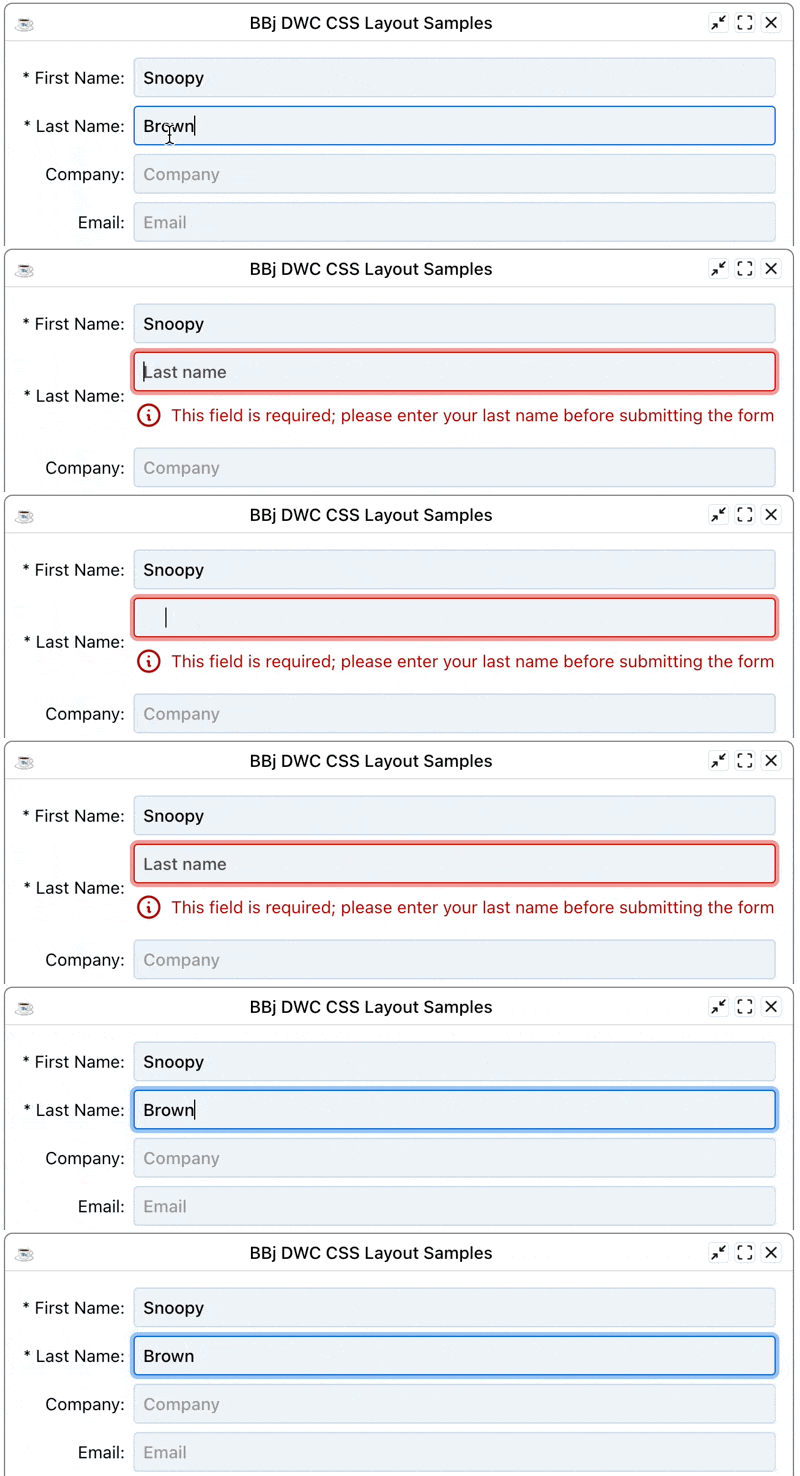
Exercise: Adding Validation to an Email Field
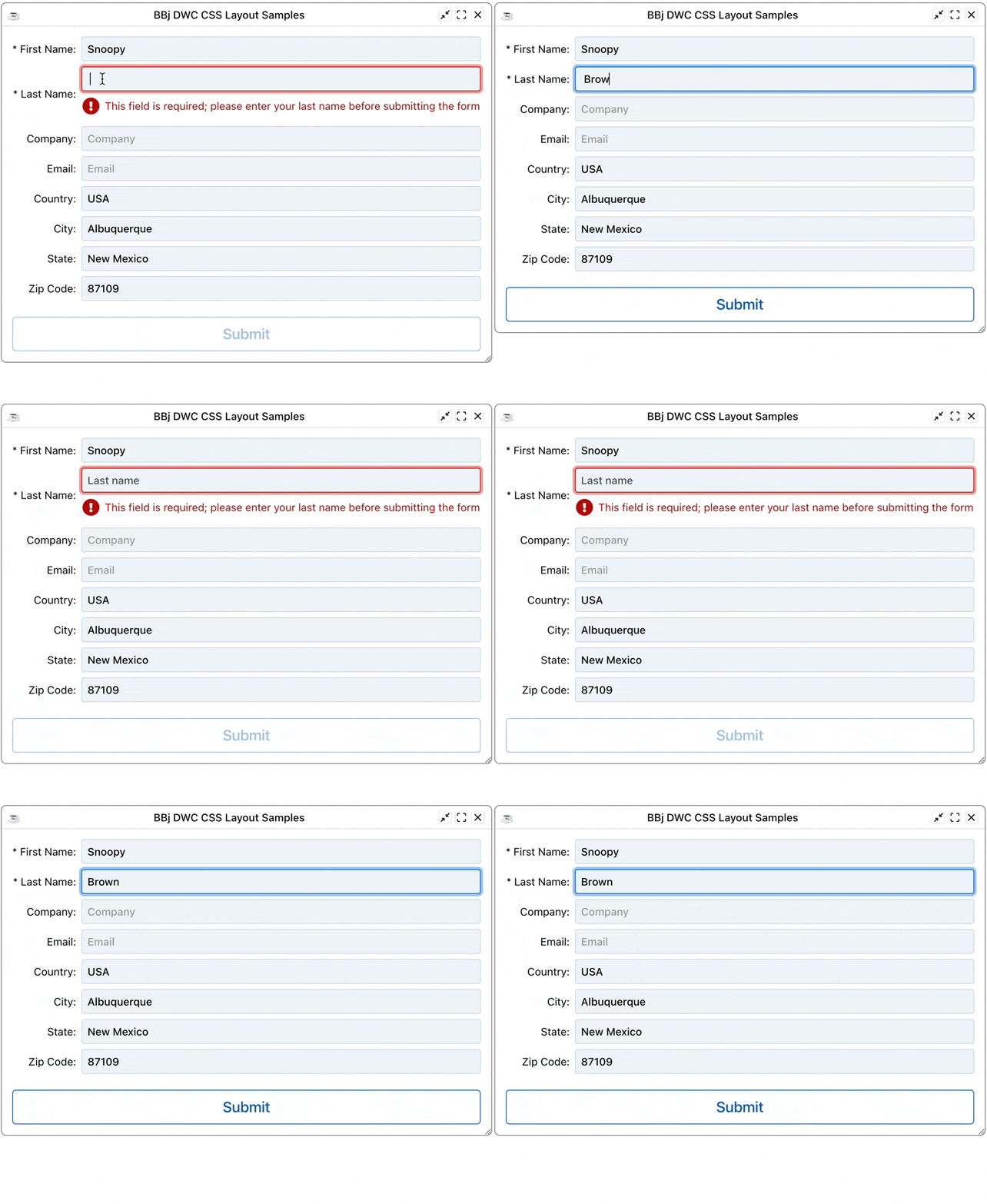
Run DWCTraining/07_ControlValidation/ examples to see validation in action.


Testing Regular Expressions
Use Regex101 to test your validation patterns:



Best Practices
- Always provide helpful error messages - Tell users what's wrong and how to fix it
- Validate on blur - Check fields when the user leaves them
- Use appropriate input types - Email, number, etc. provide built-in validation
- Combine client and server validation - Never trust client-side validation alone